
MetLifeEnrollment Process
Branding / UI/UX Design
Project Details
Client:
MetLife
Services:
Re-design, UX/UI Design, Branding
Project Timeline:
1+ year
Project Description
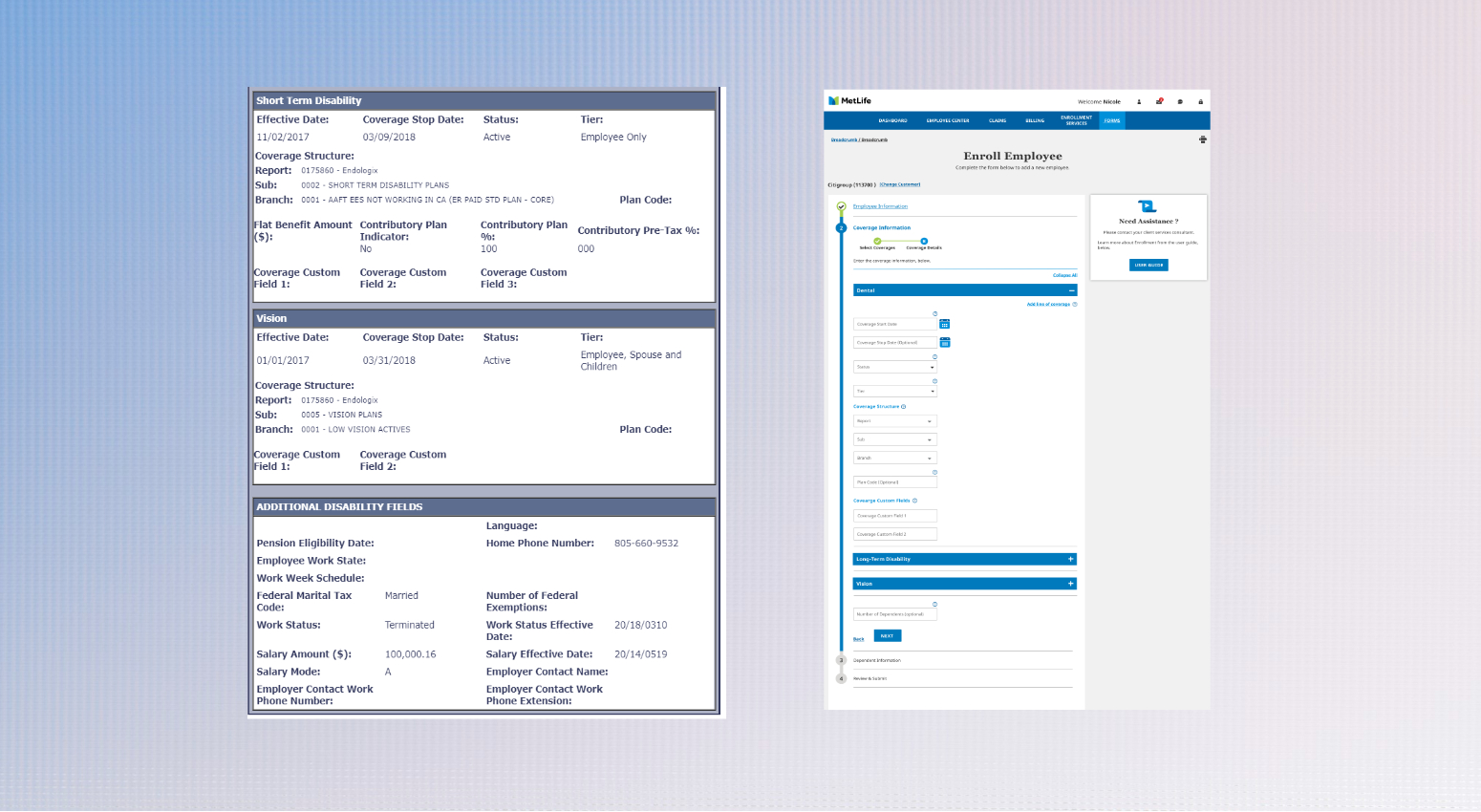
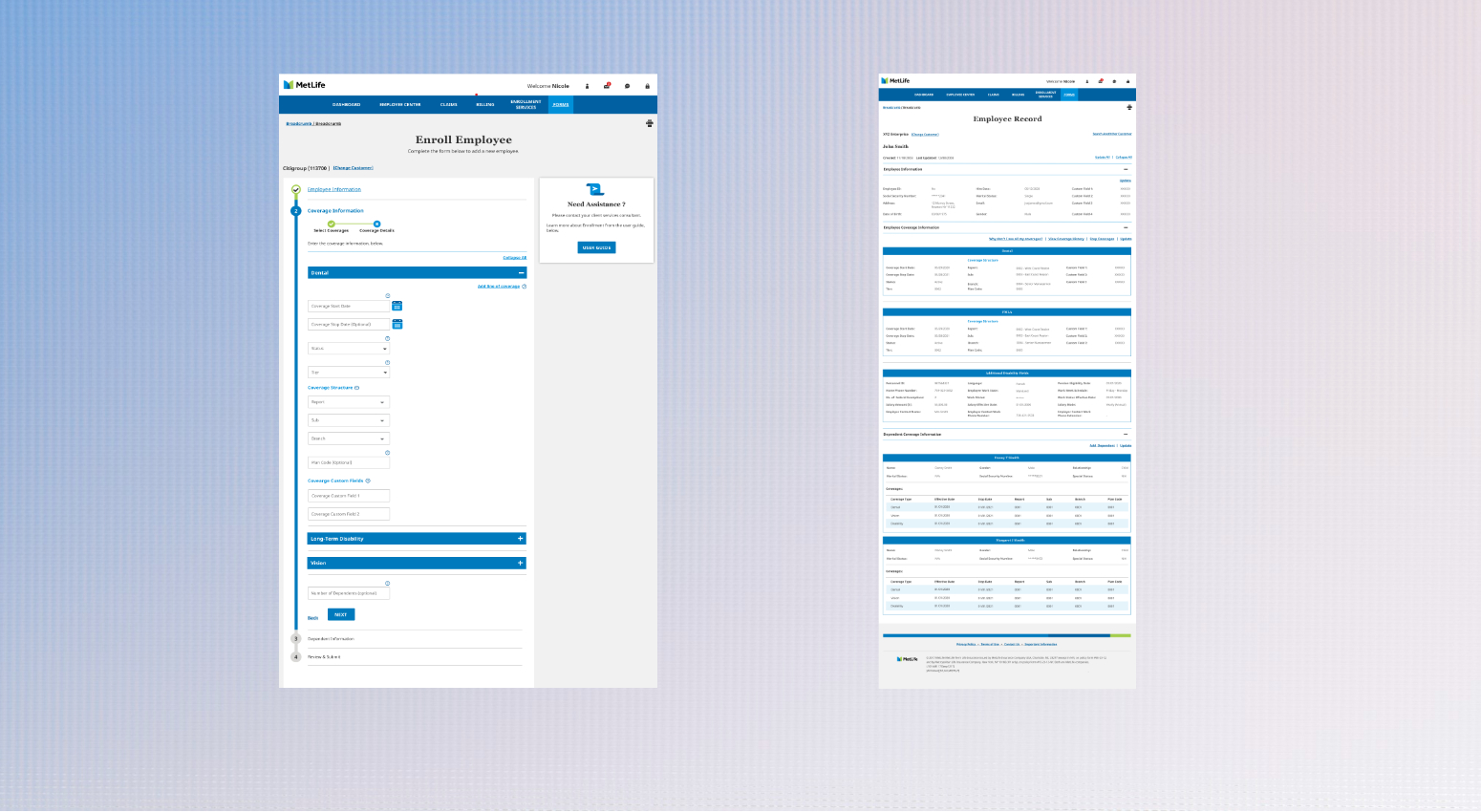
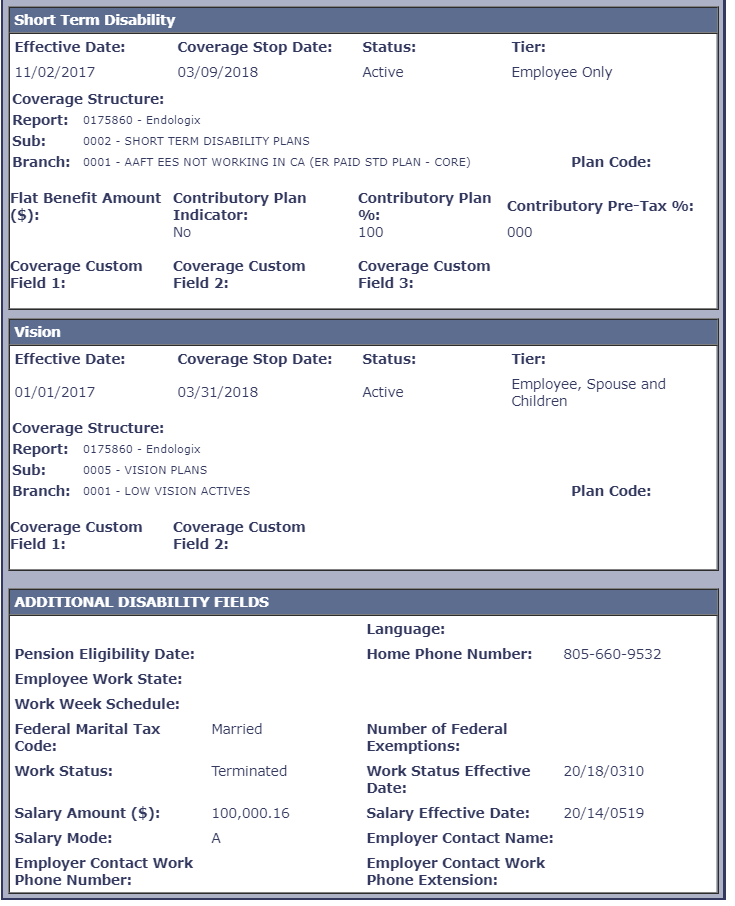
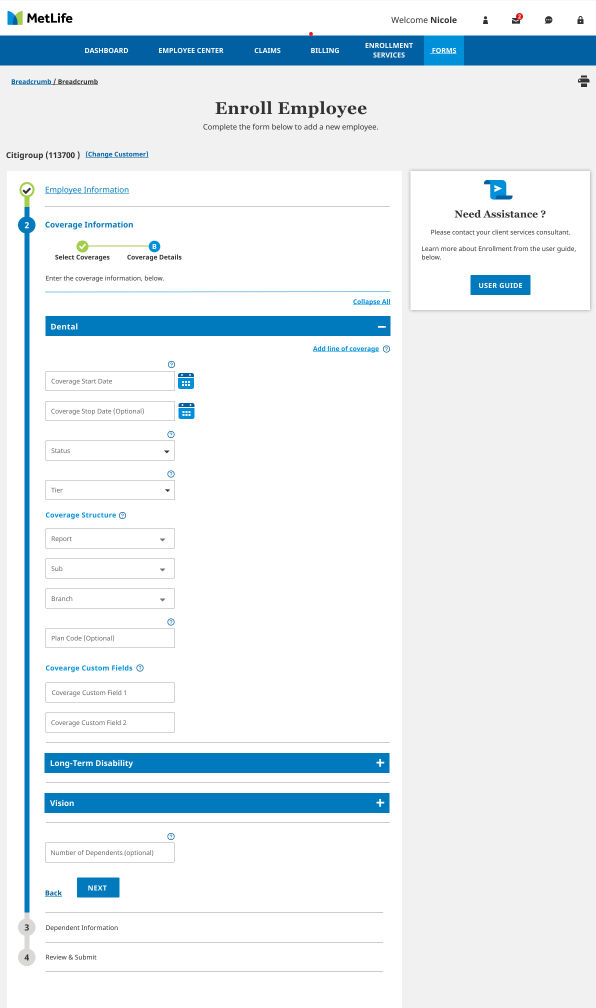
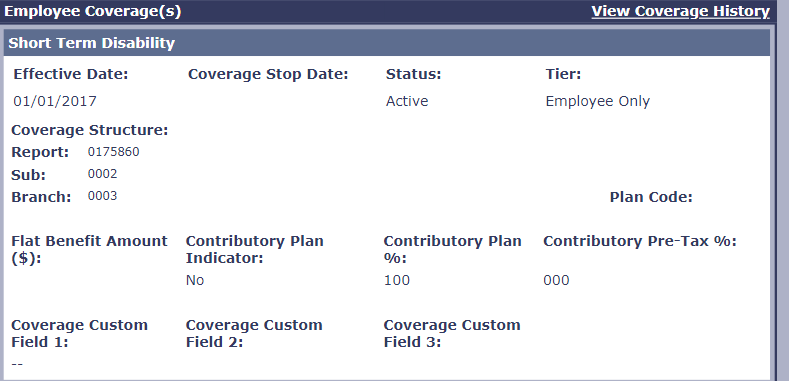
MetLife’s Enrollment Services portal enables Benefits Administrators at client organizations to manage real-time enrollment intake and inquiries across core insurance products like dental, vision, life, and disability. Our goal was to migrate the legacy application UI to a new platform while improving the user experience and aligning it with MetLife’s global brand and marketing standards.
The Challenge
-
Legacy platform migration without disrupting core business functionality.
-
Adapting the UI to MetLife’s updated enterprise design system and brand guidelines.
-
Improving usability of data-heavy workflows such as enrollment intake, status tracking, and file uploads.
-
Collaborating across a large, cross-functional Work Pod in a 1+ year timeline.
The Role
As the UX Designer for this engagement, I was responsible for:
-
Collaborating with Business Analysts to interpret and translate Business Requirements Documents (BRDs) into actionable designs.
-
Reviewing and improving the legacy interface to streamline complex workflows and reduce friction.
-
Designing responsive wireframes and high-fidelity mockups using Figma.
-
Presenting designs to BAs and the Application Development team during daily Work Pod meetings.
-
Ensuring design handoff to development was smooth and well-documented.
Process Table
| Phase | Activities | Outputs |
|---|---|---|
| Discovery | Reviewed the legacy platform and BRDs. Participated in Work Pod kickoffs. | Pain point analysis, UX notes, legacy screens audit |
| Stakeholder Sync | Attended daily pod calls with BAs, Devs, QA, and Product. | Clarified requirements, discussed edge cases |
| Wireframing | Designed user flows and screens in Figma aligned to MetLife’s brand system. | Low and mid-fidelity wireframes |
| UI Refinement | Refined the layouts using enterprise design components, with attention to accessibility and responsive behavior. | High-fidelity mockups in Figma |
| Iteration & Feedback | Weekly walkthroughs with stakeholders. Adjusted based on feedback. | Updated screens and design notes |
| Developer Handoff | Shared finalized screens, redlines, and interactions with the dev team. | Design specs, documentation, support during build |
Key Improvements
The Result
Key Improvements
✅ Streamlined multi-step enrollment workflows for faster task completion
✅ Aligned with MetLife’s global brand and accessibility standards (WCAG)
✅ Introduced cleaner data table views and form structures
✅ Improved screen-to-screen consistency, reducing training time for users
✅ Ensured responsive layouts for tablet/desktop interfaces
The redesigned application was successfully released in Q3 2021, meeting business and technical goals. Stakeholders praised the new design for its clarity, efficiency, and alignment with MetLife’s brand system. The platform migration was completed on time and on budget, with a smoother user experience and improved adoption by Benefits Administrators.
Reflection
This project demonstrated the value of tight collaboration within cross-functional pods, even under compressed timelines. By leaning on design systems and open communication with BAs and developers, we were able to deliver a thoughtful, compliant, and modern user experience that supports real business outcomes.
